Hiboy Battery Care Guide
Hiboy Battery Care: A Practical Guide for E-Bike and Scooter Owners
Hiboy’s electric scooters and e-bikes share the same lithium-ion battery fundamentals, and most charging problems trace back to a handful of avoidable causes: the wrong charger, a dirty port, heat, or a battery that has been left in a bad state. This guide consolidates the practical checks and habits that keep a Hiboy pack healthy, drawn from charger replacement, troubleshooting, and charging-time guidance. Work through the checks in order before buying any replacement part.
Start With the Charger, Not the Battery
Most “won’t charge” cases are charger or connection faults, so rule those out first.
- Plug the charger into the wall and watch the LED. It should light up; if it stays dark, test the outlet with another device before blaming the charger.
- Connect the charger to the scooter and observe the LED again. Depending on the model and batch, it may switch from red to green when charging completes or stay red during the charge—check your unit’s manual for the expected behavior.
- Inspect the charger brick and cable for cracks, frayed wires, or bent pins. Any physical damage means replacement, not repair.
- Confirm the charger label matches your scooter’s requirements. Hiboy models commonly use a 42V 2A output with a 5.5mm x 2.1mm barrel connector, but verify against your own charger label or manual rather than assuming.
Check the Charging Port and Connections
A dirty or damaged port can mimic a dead battery. With the charger unplugged, inspect the port for debris, bent contacts, or melted plastic. A clean, dry port and a firmly seated connector are prerequisites for charging; if you see melting or smell burning, stop and contact Hiboy support or a certified repair shop—those indicate a serious electrical fault.
Know the Symptoms of a Failing Battery
Battery health declines gradually, so watch for trends rather than single bad days:
- Noticeably shorter rides on the same routes and conditions.
- Sluggish acceleration or power cutting out under load.
- Charging that finishes unusually fast followed by a short runtime—a sign of capacity loss, not efficiency.
- Swelling, leakage, or damage visible in the battery compartment. Do not charge a compromised pack; treat it as a safety risk.
Lithium-ion packs have a finite cycle life, so gradual capacity loss over years of use is expected; sudden changes are the ones worth investigating.
Charge at the Right Temperature
Extreme heat and cold both degrade charging efficiency and battery longevity. Charging a pack that is too hot—straight after a long ride or in direct sun—can trigger protection behavior, and charging in freezing conditions slows the internal reactions. Let the scooter return to a normal temperature before plugging in, and charge indoors or in shade rather than in a hot garage or direct sunlight.
Follow a Consistent Charging Routine
- Use only the charger supplied with your model; a connector that fits does not guarantee compatible voltage and amperage, and mismatched chargers can undercharge or overcharge the pack.
- Inspect the battery compartment and port before each charge, and keep both clean and dry.
- Don’t leave a fully charged pack connected indefinitely; unplug once charging completes.
- For storage, avoid leaving the pack fully drained or permanently at full charge—plan to top it up periodically during long idle periods.
Work Through a No-Charge Diagnosis in Order
If the scooter still won’t charge after the checks above, the likely culprits are a failed charger, a damaged port, a tripped internal fuse, or a battery management system lockout. Test the charger’s output with a multimeter if you have one, then inspect the port, and only then consider internal faults. This order prevents replacing parts you don’t need. If diagnostics point inside the battery or wiring and you’re not comfortable with electrical work, hand it to a certified repair shop.
Sources used
- /hiboy-s2-pro-charger-replacement-guide/
- /hiboy-ks4-pro-charger-what-you-need-to-know/
- /replacing-your-hiboy-s2-scooter-charger-what-you-need/
- /hiboy-bk1-charger-troubleshooting-common-issues/
- /troubleshooting-hiboy-titan-pro-scooter-battery-issues/
- /how-to-use-your-maxpro-hiboy-electric-scooter-charger/
- /hiboy-scooter-charging-time-what-to-expect/
Pages consolidated here
- hiboy s2 pro charger replacement guide
- hiboy ks4 pro charger what you need to know
- replacing your hiboy s2 scooter charger what you need
- hiboy bk1 charger troubleshooting common issues
- troubleshooting hiboy titan pro scooter battery issues
- how to use your maxpro hiboy electric scooter charger
- hiboy scooter charging time what to expect
How this page was built
This guide consolidates older pages on the same topic. It states what they state, reorganised for reading order; no specification, part number or price was introduced from outside those pages.
Maintenance steps are as described on the source pages; manufacturer instructions take precedence.
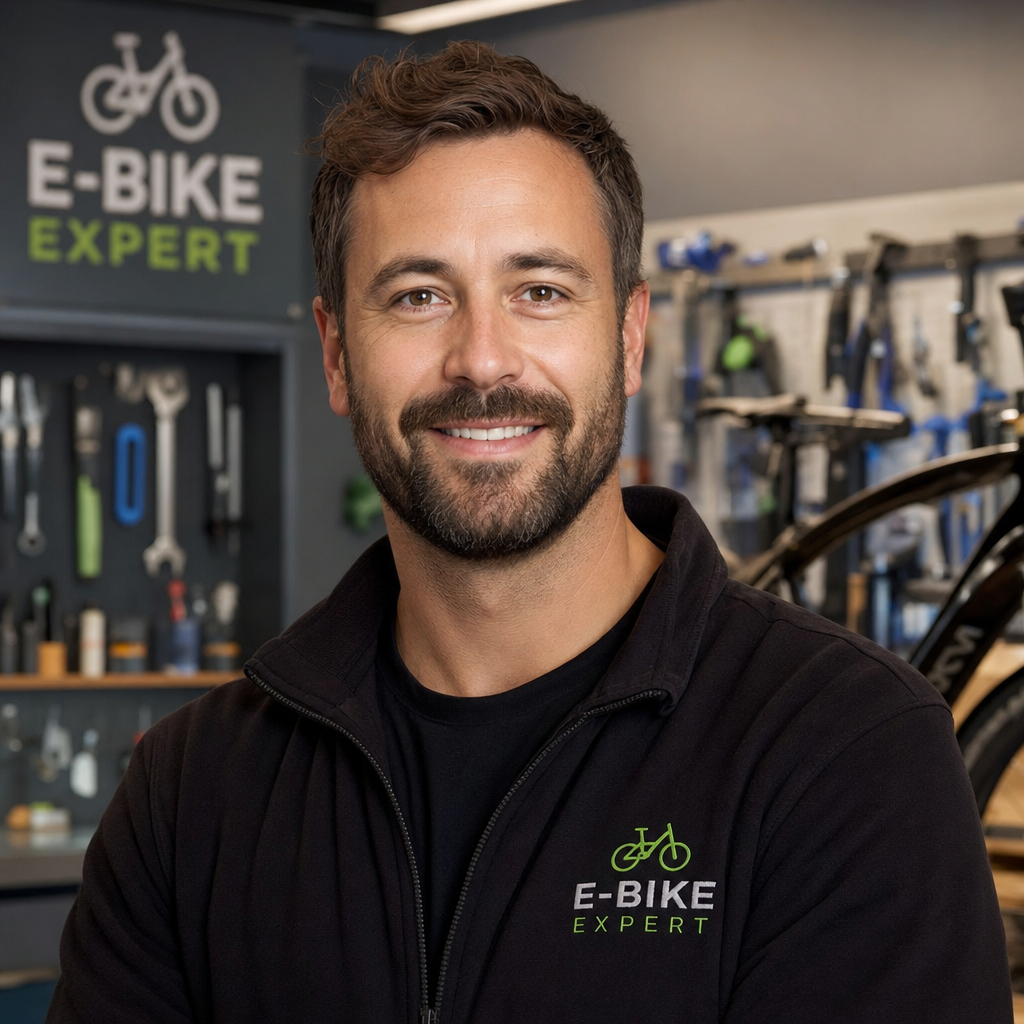
Ryan Williams has spent over 8 years testing, repairing, and writing about electric bikes. He has personally ridden and reviewed 150+ e-bike models from brands like Lectric, Aventon, Rad Power, Super73, and dozens more.
Before founding EBIKE Delight, Ryan worked as a bicycle mechanic for 5 years at independent bike shops across California, where he specialized in e-bike conversions and electrical system diagnostics. He holds a Certificate in Electric Vehicle Technology from the Light Electric Vehicle Association (LEVA).
Ryan’s work has been cited by Electric Bike Report, Electrek, and BikeRumor. When he is not testing the latest e-bike on California backroads, he is in his workshop tearing down batteries and controllers to understand what makes them tick — and what makes them fail.
Areas of Expertise
E-bike performance testing and real-world range verificationBattery diagnostics, charging best practices, and safetyBrand comparisons: Lectric, Aventon, Rad Power, Super73, and moreError code troubleshooting across major e-bike systemsE-bike laws, registration, and compliance by state
Ryan believes every rider deserves honest, hands-on information — not marketing hype.